Premium tab management for power users. Keyboard-driven, offline-first, privacy-focused. No tracking, no ads, no backend.
Explore bTab's powerful features through these screenshots
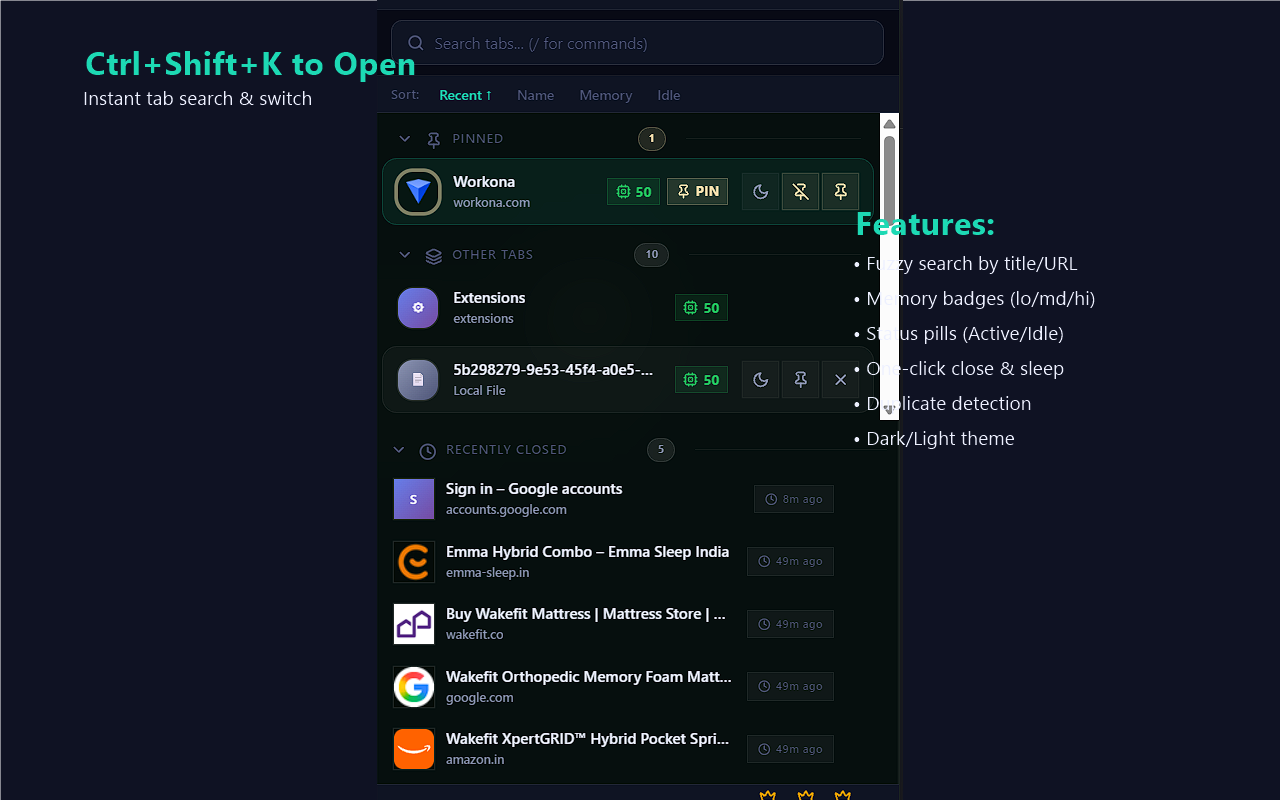
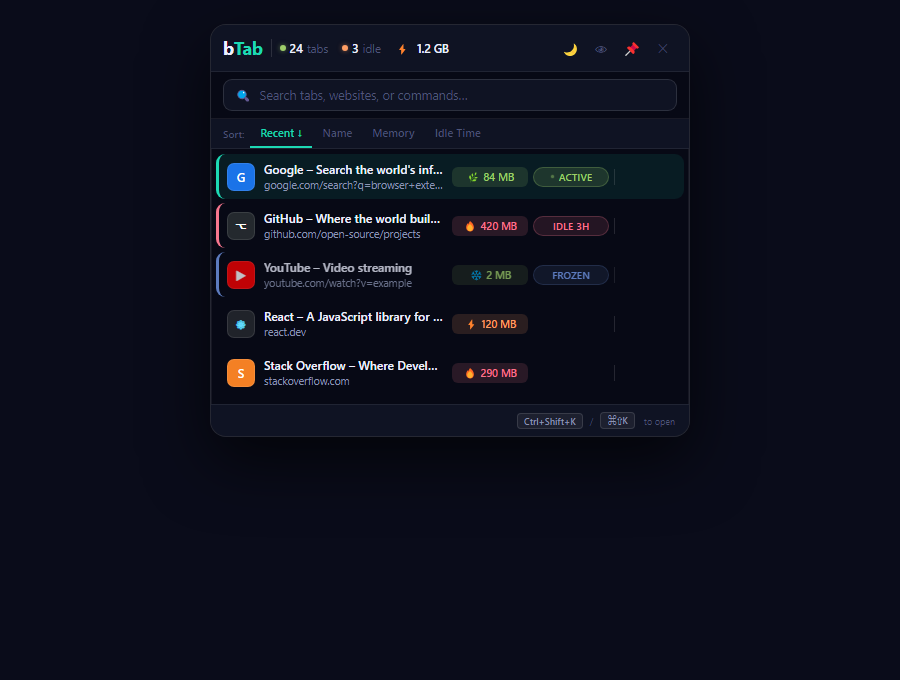
Press Ctrl+Shift+K to open instantly. Fuzzy search, memory badges, and status pills.
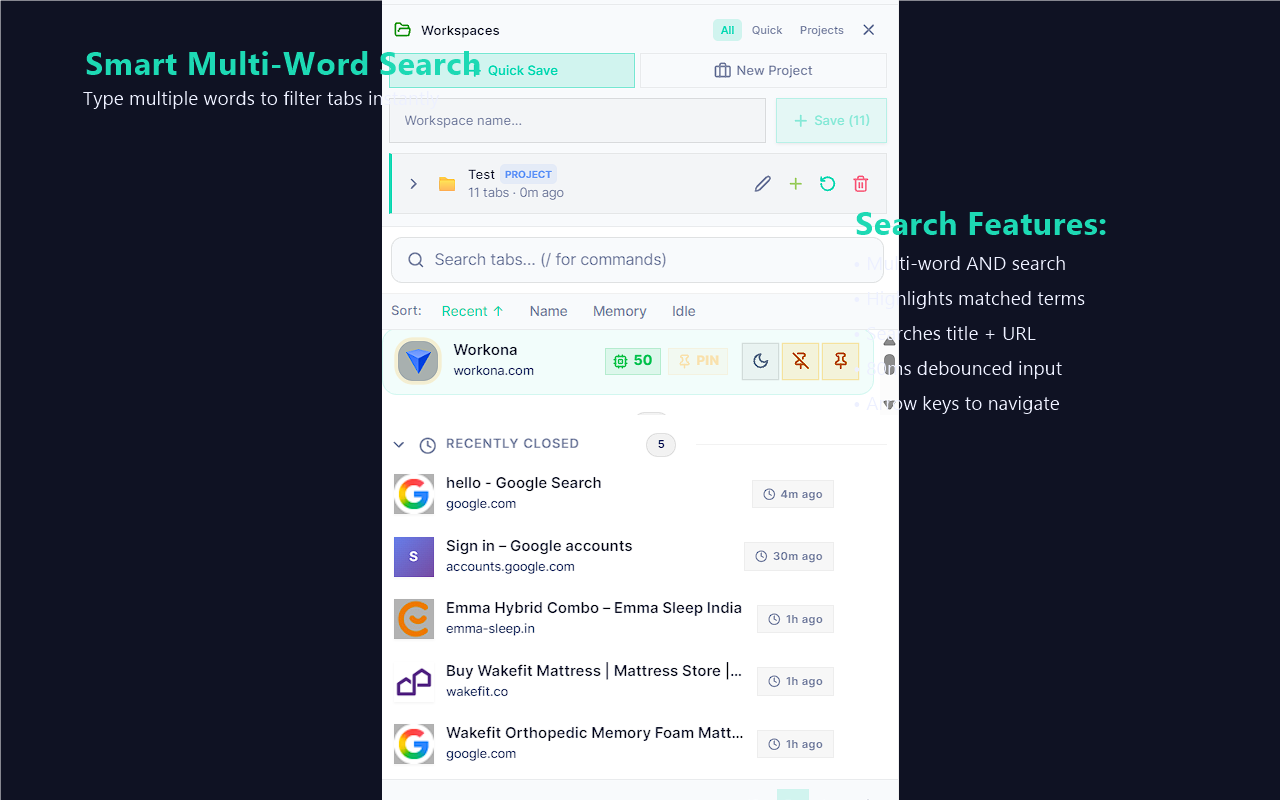
Type multiple words to filter tabs. Matched terms highlighted in teal.
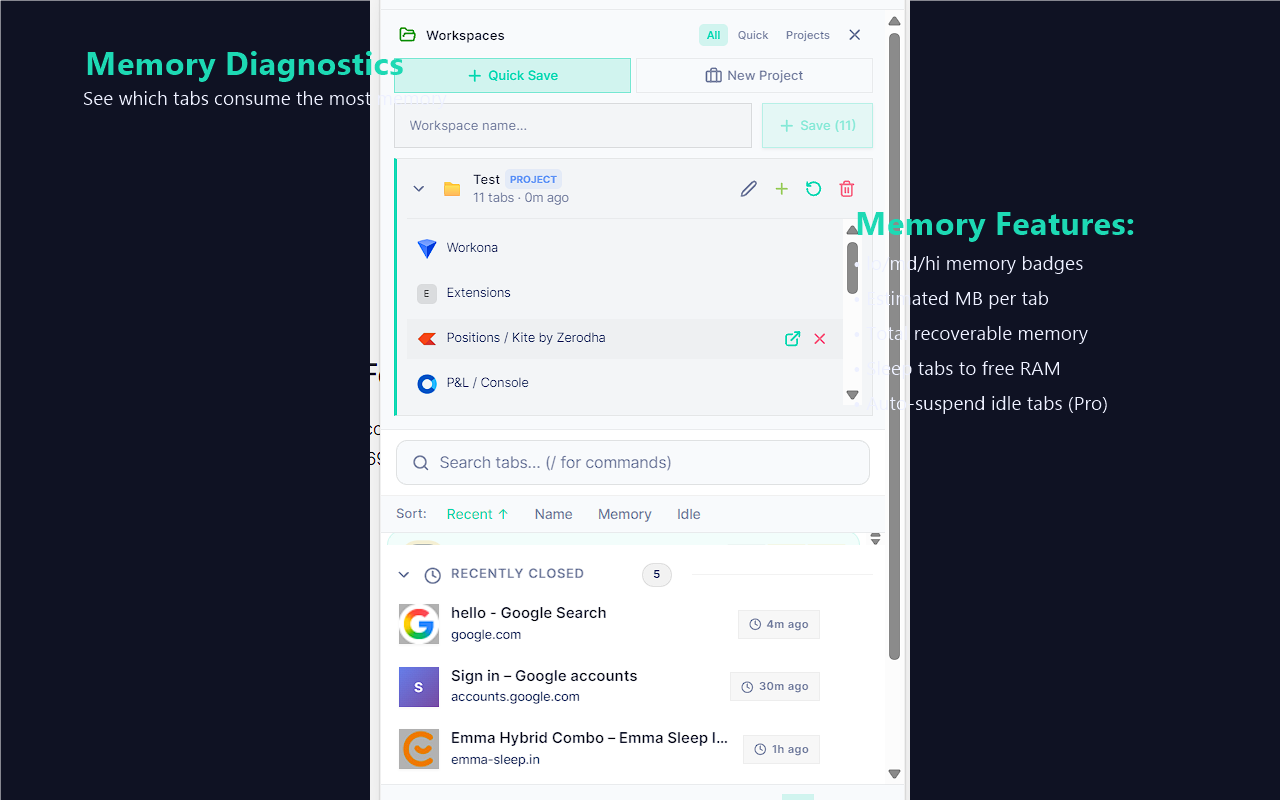
See which tabs consume the most memory. lo/md/hi badges at a glance.
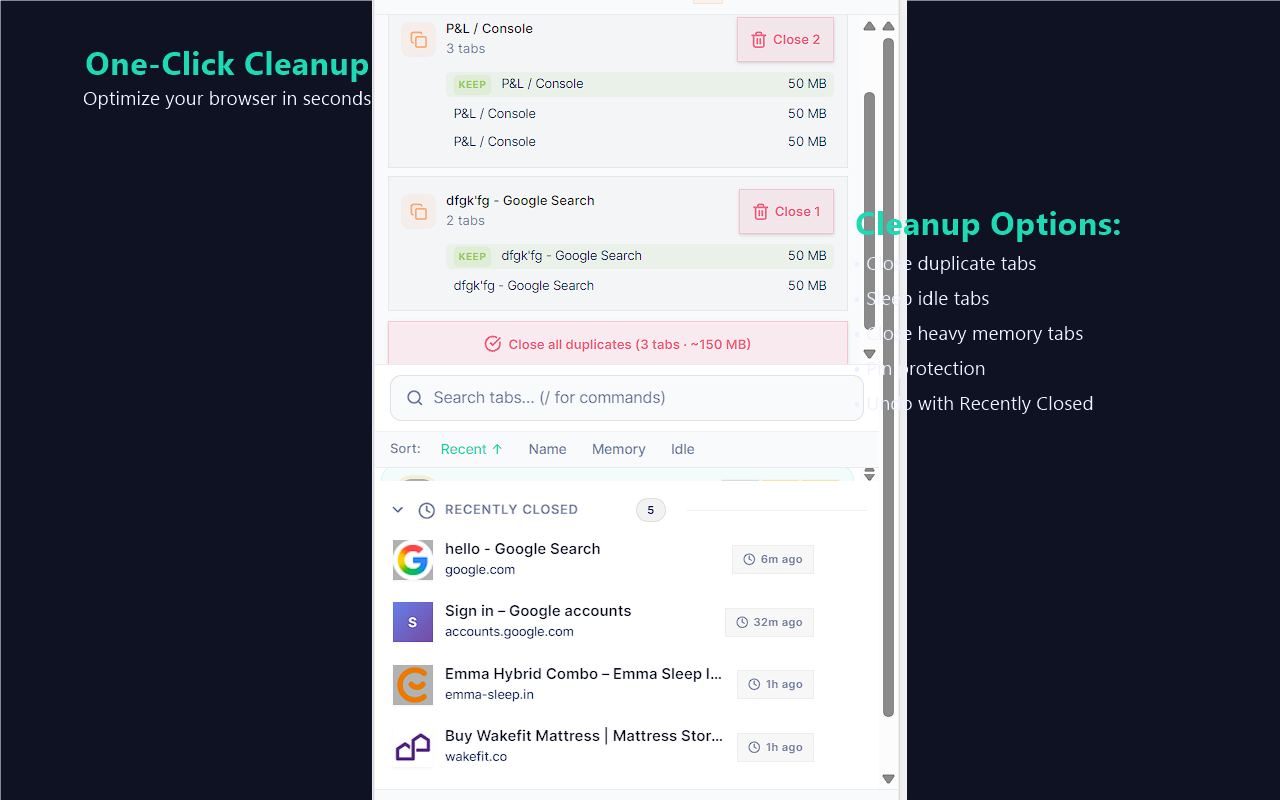
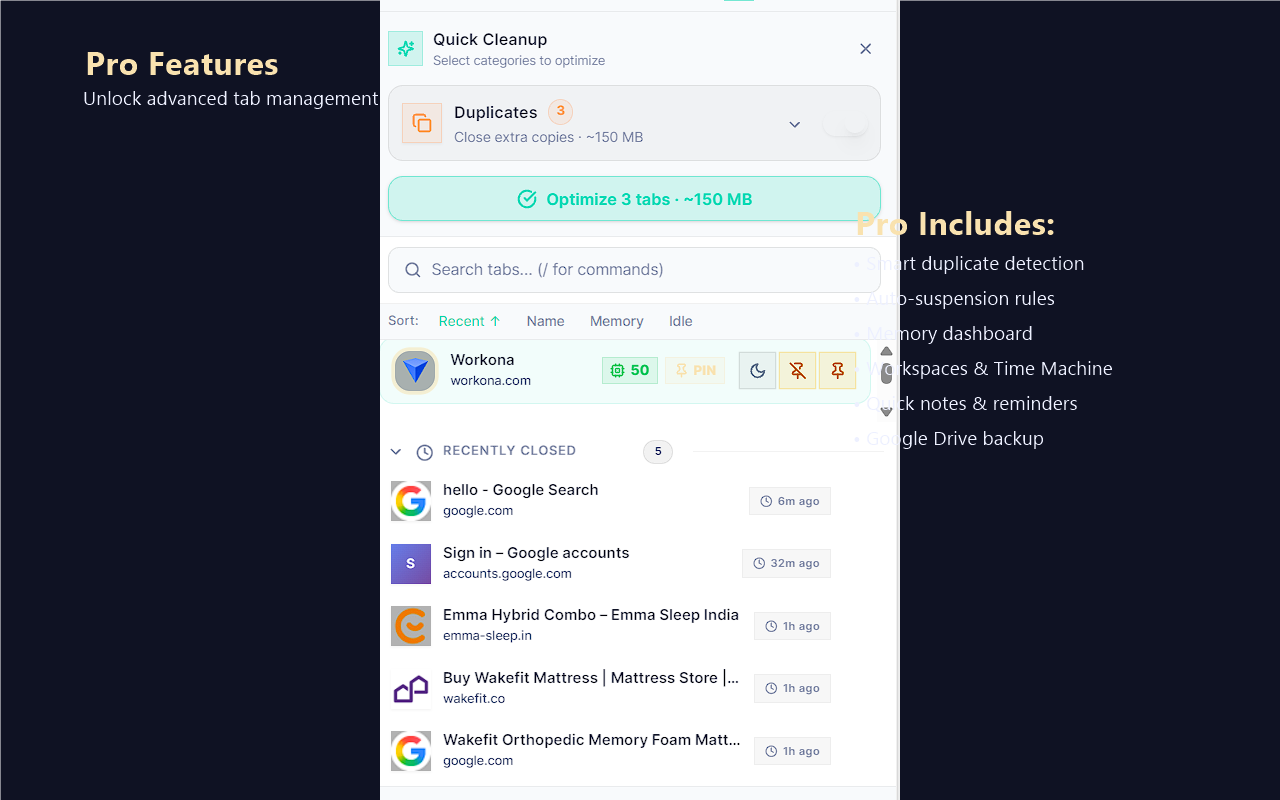
Remove duplicates, sleep idle tabs, close heavy tabs in one click.
Smart duplicates, auto-suspend, workspaces, time machine, and more.
Powerful features wrapped in an elegant, keyboard-first interface
Find any tab instantly with fuzzy search. Multi-word queries, match highlighting, 80ms response time.
Detects duplicates even with tracking parameters (UTM, fbclid, etc). One-click merge keeps the freshest tab.
Pinned tabs are protected from accidental close and bulk actions. Gold accent makes them easy to spot.
Automatically freeze idle tabs to save memory. Configurable thresholds, exception domains.
Visual breakdown of memory usage per tab. See which tabs are hogging resources at a glance.
Save and restore tab collections. Create named project workspaces with emoji and color coding.
30-day history of closed tabs. Never lose important tabs again, grouped by date for easy browsing.
Create rules to automatically sleep, close, or notify based on memory usage, idle time, or domain.
Ctrl+Shift+K to open. Arrow keys to navigate. Enter to switch. Full keyboard control, no mouse needed.
Start free, upgrade when you need more power
Have an idea that would make bTab better? We'd love to hear it!
Star the repo to stay updated on new features → GitHub